Parts
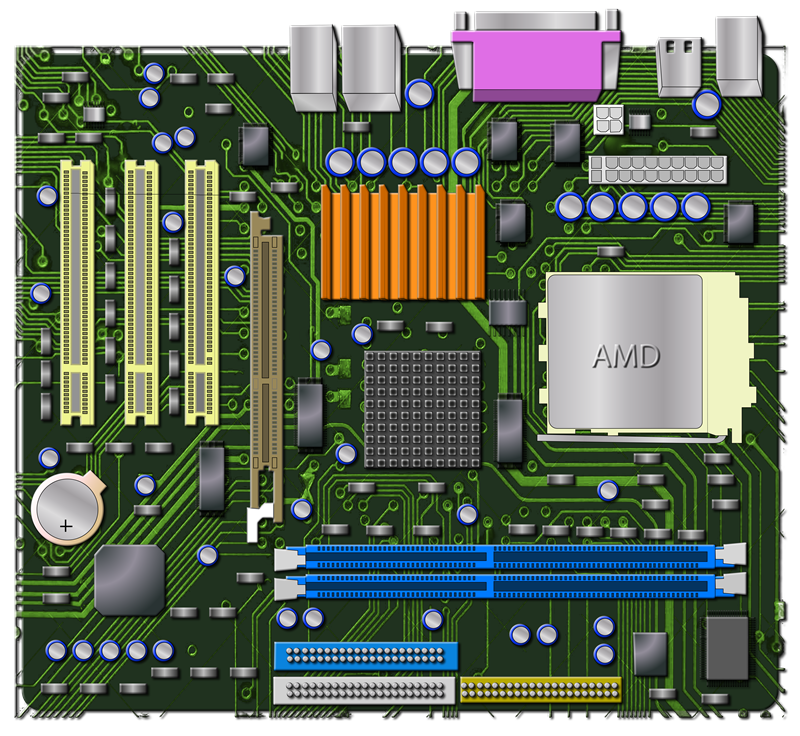
Motherboard
The motherboard is the main circuit board of the computer. It connects all the components together and lets them work as one system. It provides the connections for important parts and is fastned to the backside of your case. It always comes with a manual and this will be your best friend when installing any parts as it tells you where everything is supposed to be plugged in.
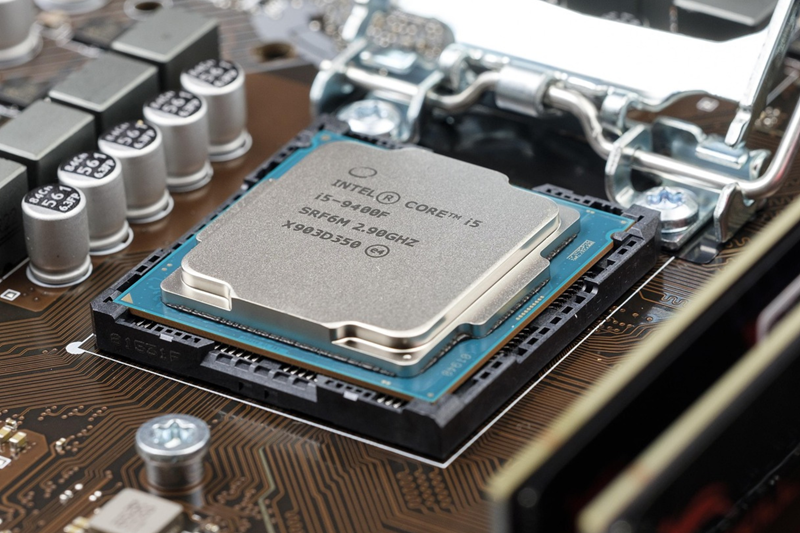
CPU (Central Processing Unit)
The CPU is often called the brain of the computer. It handles instructions and processes the information needed to run programs and applications. It works hand in hand with the RAM, which we will get into next.
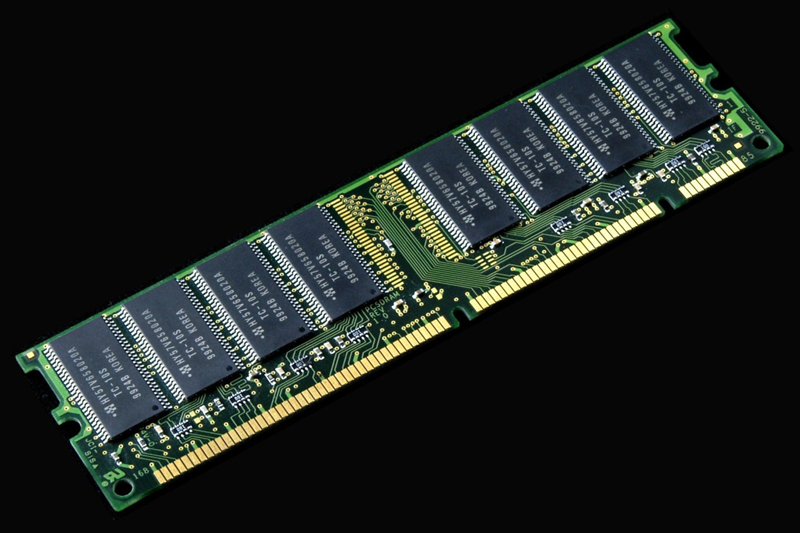
RAM (Random Access Memory)
The RAM acts as a copmuters short-term, high-speed workspace. It temporarily stores data for active applications so the operating system can access it quickly. Any thing you are currently working on is stored in RAM, such as your browser, email or anything else you might have open on your computer is all stored in your RAM and is removed when you close the application or the computer is turned off.
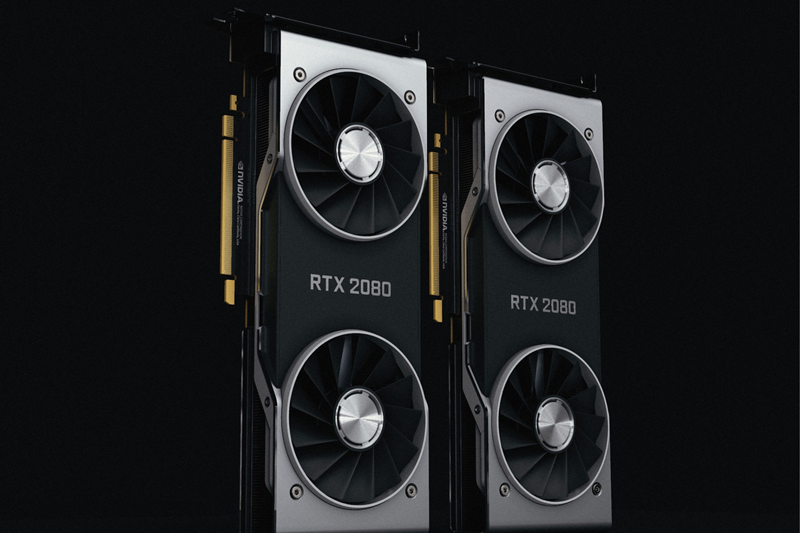
GPU (Graphical Processing Unit)
The GPU is responsible for rendering images, videos, and graphics on the screen. It takes data from the CPU and processes it to display what you see, especially in games and graphic-heavy applications. A more powerful GPU can improve performance and allow for higher quality visuals.
Storage Drives
Storage is where your computer keeps files, programs, and the operating system even when the computer is turned off. There are a few different types of storage drives, and each one has different speeds and uses.
-
HDD (Hard Disk Drive)
A hard disk drive, or HDD, is an older type of storage that uses spinning disks to store data. It is usually slower than newer options, but it often gives you more storage for a lower cost.
-
SSD (Solid State Drive)
The SSD is much faster than an HDD because it has no moving parts, instead it uses flash memory. It helps the computer boot faster and makes programs and files load quicker.
-
M.2 SSD
The M.2 SSD is similar to an SSD, but it is smaller and plugs directly into the motherboard. It is often faster and is commonly used in newer computers because it saves space and improves performance.
PSU (Power Supply Unit)
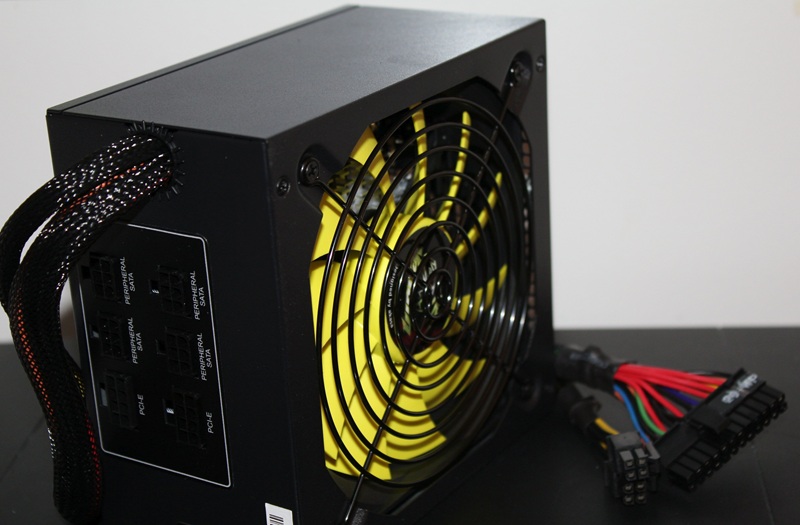
The PSU, or power supply, is what gives the computer power. This plugs into multiple parts and the motherboard itself and then plugs into a wall outlet and allows for you to turn the computer on. These come in different wattages so you will need to make sure you have the correct wattage to power your PC.
Cooling Systems
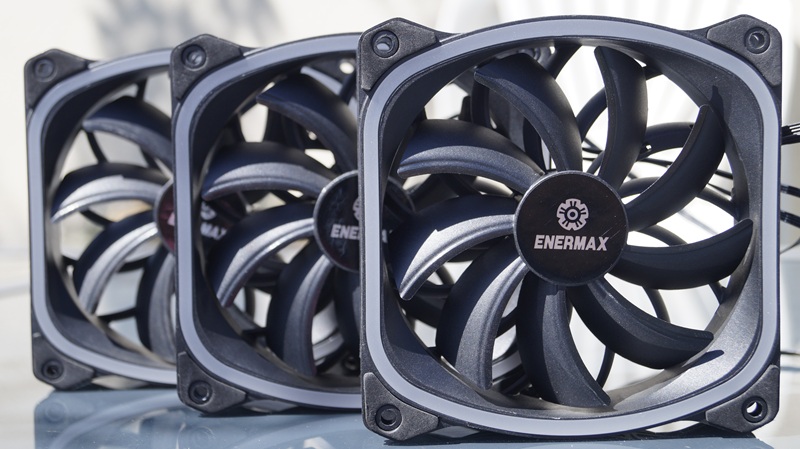
Computers can get very HOT, so you want to make sure you have proper airflow and multiple fans inside your computer. Some parts require extra cooling as well, like the CPU or the GPU, which have dedicated coolers to keep those specific parts at safe temperatures.
Case
Finally we have the case. This may be the simplest part, but it is still important. The case is what all of the computer parts go into, and it helps protect the parts from damage, dust, and debris. Keeping your computer clean is very important for performance and longevity.
More on PC parts
For more information on computer components watch this short video.